
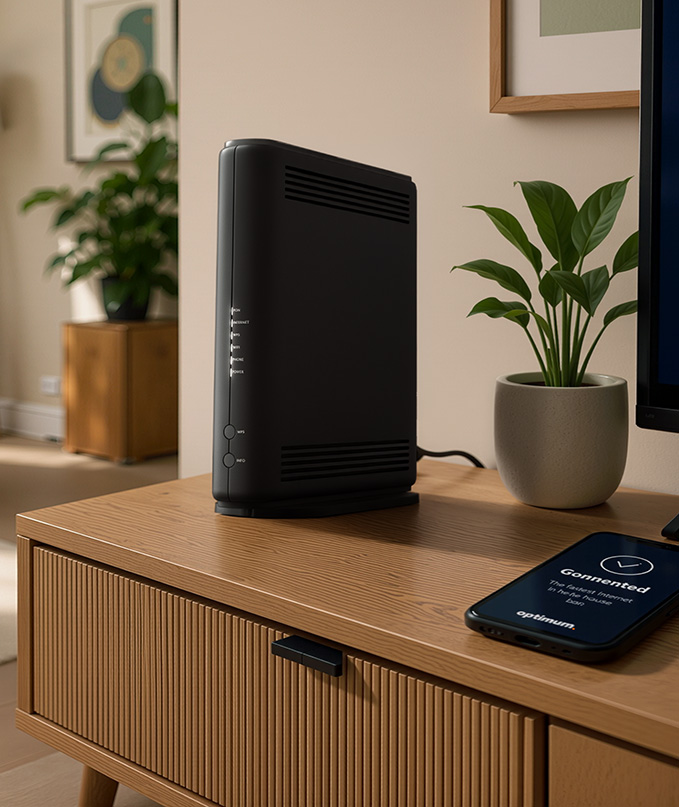
Setting up your services is quick and easy with our easy-to-use guide. Once you receive your equipment and begin the Self-setup process, you should be up and running in 15 minutes or less without a technician appointment or fees.
Steps to get you connected:

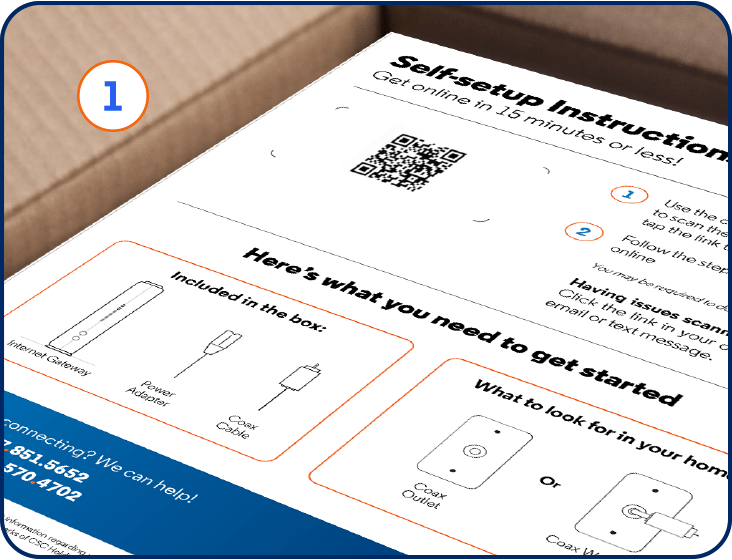
We'll send you a free kit. Your Self-setup kit will include:
Instructions on getting started with Self-setup
Internet equipment
Coax cable
Power cord
Ethernet cable (optional)
Coax splitter (only if requested)

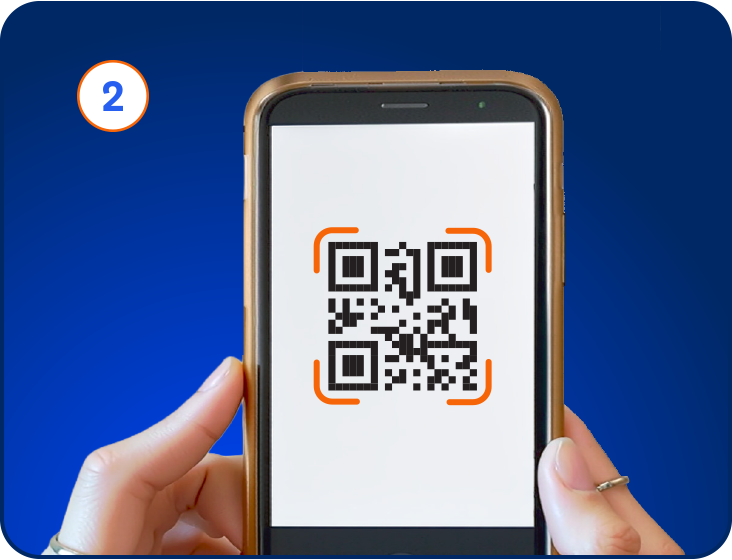
To start, scan the QR code you received or click the link in the email or text we sent you.
If your order was shipped to you, this QR code will be on your Self-setup instructions inside the box.
If you got your equipment in-store, this QR code will be on your receipt.
Tip: To scan the QR code, activate the camera on your mobile phone. Move the camera over the image of the QR code you received with your equipment. Then tap the link that pops up.

Once you scan your QR code, you'll be automatically directed to the Self-setup experience where you'll be taken through the fast and easy process, step-by-step. You may be required to download the My Optimum app.
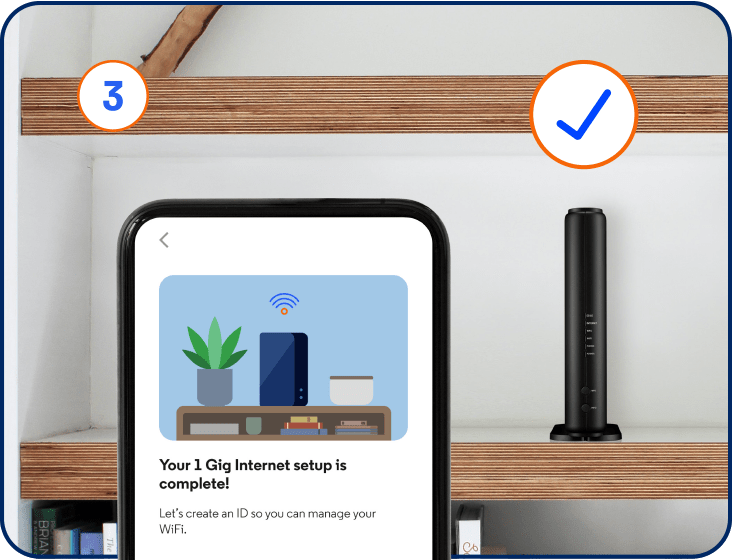
Need more help? Check out this step-by-step video that walks you through the Self-setup process.
Helpful tips:
Make sure your smartphone is close to the Gateway.
Pressing the INFO button will wake up the lights on your Gateway.
Place the Gateway in a central location.
FAQs
Your equipment typically arrives within 1-2 business days after you place your order. If you select a future delivery date, we'll aim to have it arrive as close to that date as possible, though exact delivery dates aren't guaranteed. Once your order ships, you'll receive tracking information by email and text.
If you place your order at an Optimum Store, you'll take home your equipment the same day.
Start by setting up your Internet equipment (modem or Gateway). Once that's up and running, you can connect your other services.
Scan the QR code included in your box, or on your receipt if you picked up your equipment from a store. Open your phone's camera and point it at the code, then tap the link that appears to start the Self-setup experience.
You can also click on the link in your order confirmation email or delivery confirmation text.
From there, our Self-setup experience will guide you through the process in 15 minutes or less.
Don't worry, our Self-setup experience will guide you through each step and help troubleshoot along the way. You'll be prompted to check your connections, position your equipment, and confirm your service is working.
We recommend setting up your equipment as soon as it arrives for the best experience. If it is not activated within 14 days of receipt, you'll need to contact us for help getting started.
If your equipment is shipped, billing starts 3 days after it ships.
If you pick it up at an Optimum Store, billing starts the same day.
Yes, please return your old equipment so you're not charged for unreturned equipment.